Features: the complete iris workflow in your browser
From uploading the studio capture to the print-ready 4K file, everything runs inside a protected studio workspace. Automation handles the repetitive technical work; the creative decisions stay with you.
- Protected studio workspace
- Projects with several irises
- 4K / 300 dpi
- Credit only on success
Protected studio workspace
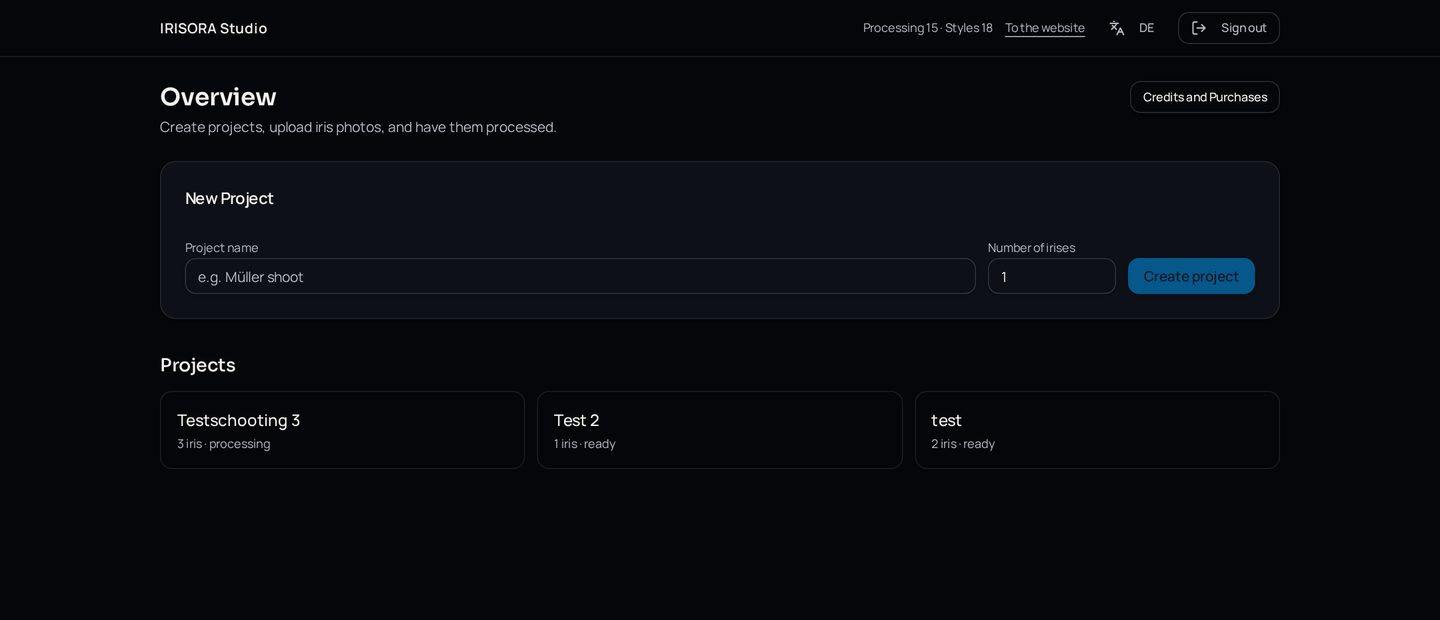
Every studio works in its own private area. Captures, projects and results are visible to your studio only, and access is verified server-side on every request.
- Individual studio sign-in
- Private storage, no public links
- Credit balance always visible
Upload and projects with several irises
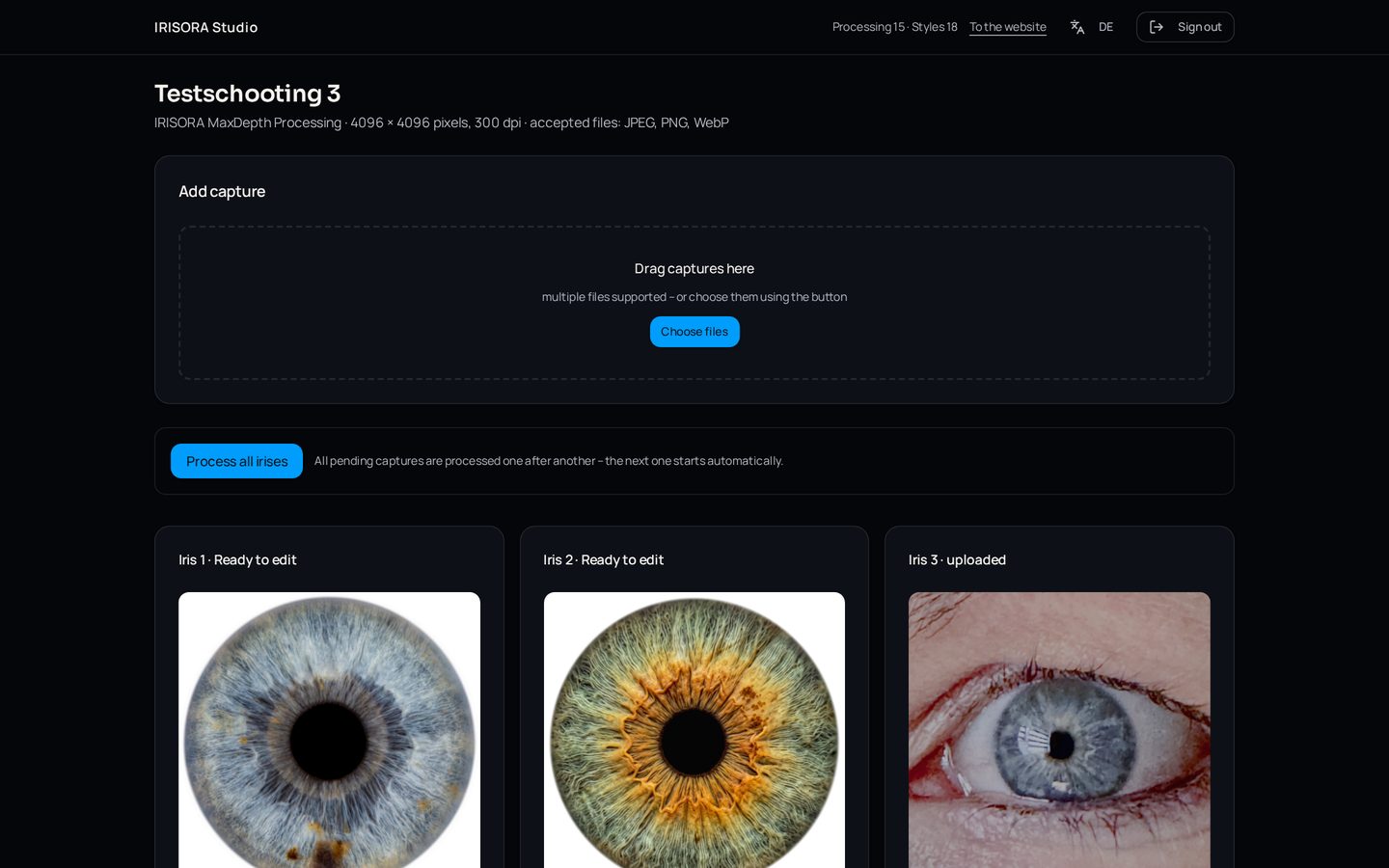
Create a project per client or session and upload studio captures individually or in batches. Several irises stay together in one project – ideal for couples and families.
- Single and batch upload
- Several irises per project
- Capture is checked before processing
Automatic iris processing
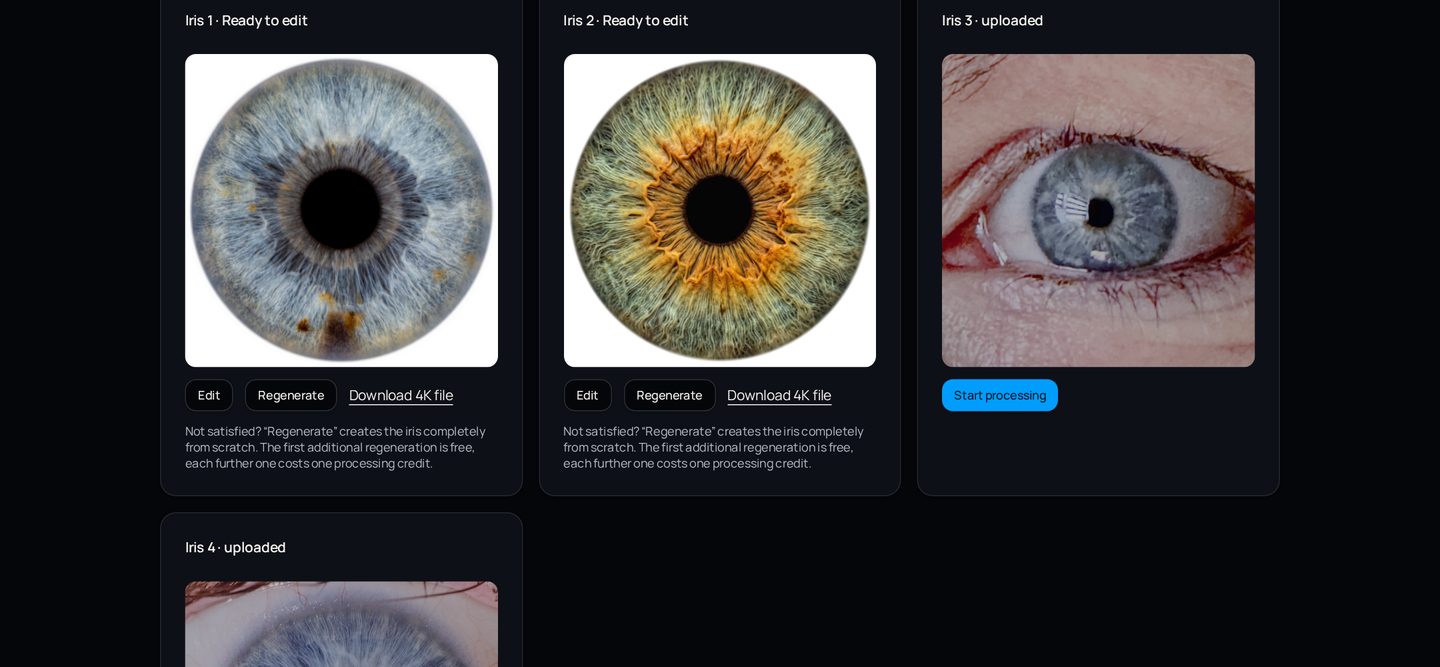
Cut-out, alignment and structure build-up run automatically. Progress is visible per iris and the finished result appears directly inside the project.
- Visible processing status per image
- Result stays stored in the project
- Original file remains untouched
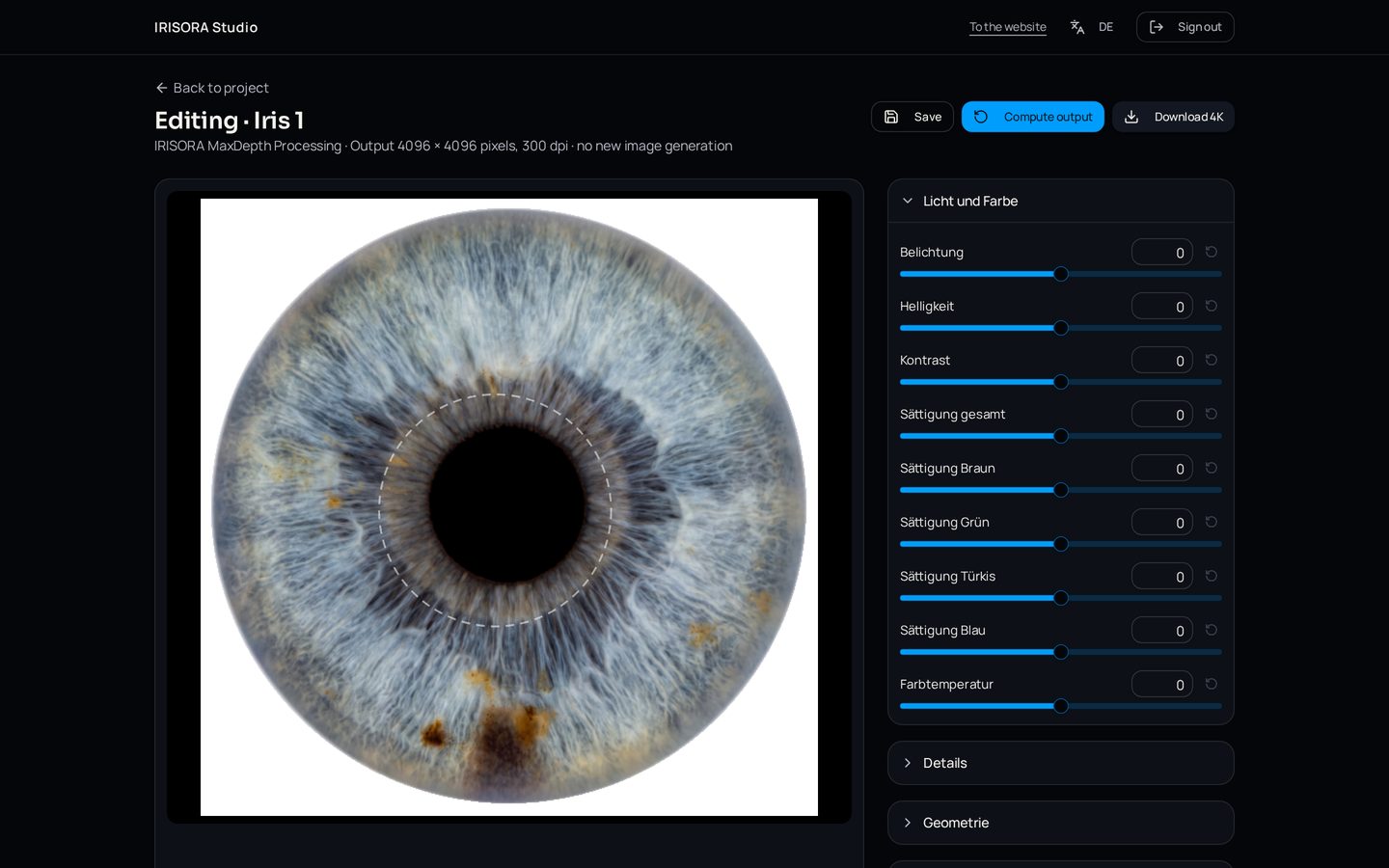
Integrated editor with pupil and edge correction
The editor is non-generative: it only changes what you set. Alongside light and colour you can place the pupil and fade the iris edge softly.
- Brightness, exposure, contrast, dynamics
- Structure, clarity, saturation, colour temperature
- Pupil correction and soft iris edge
- Settings are stored with the image
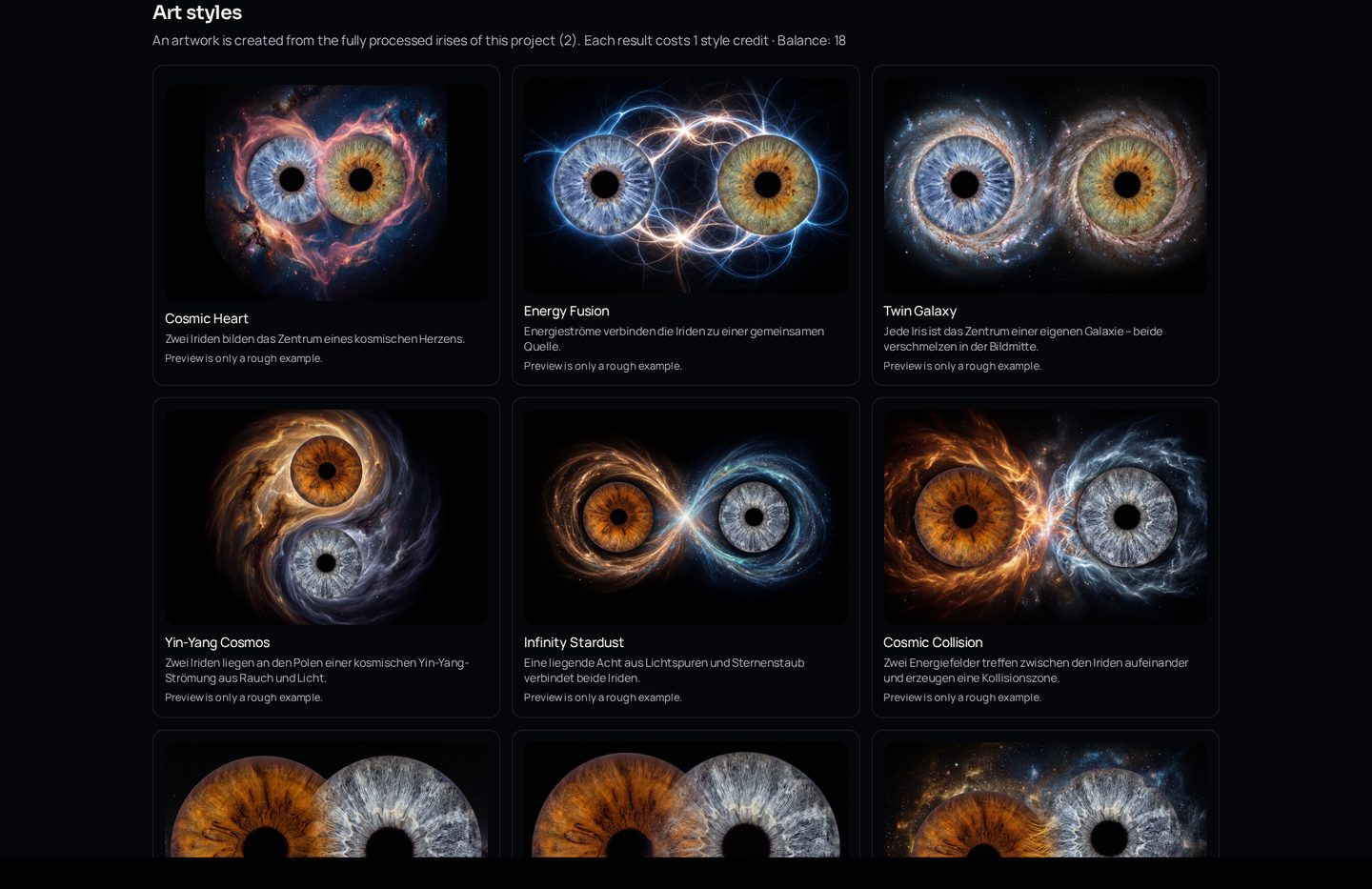
Art style generation
Turn the finished irises of a project into an artwork – for one to six irises. Every art style is generated anew from the irises actually used.
- 1 to 6 irises per artwork
- Separate style credit balance
- Preview per number of people
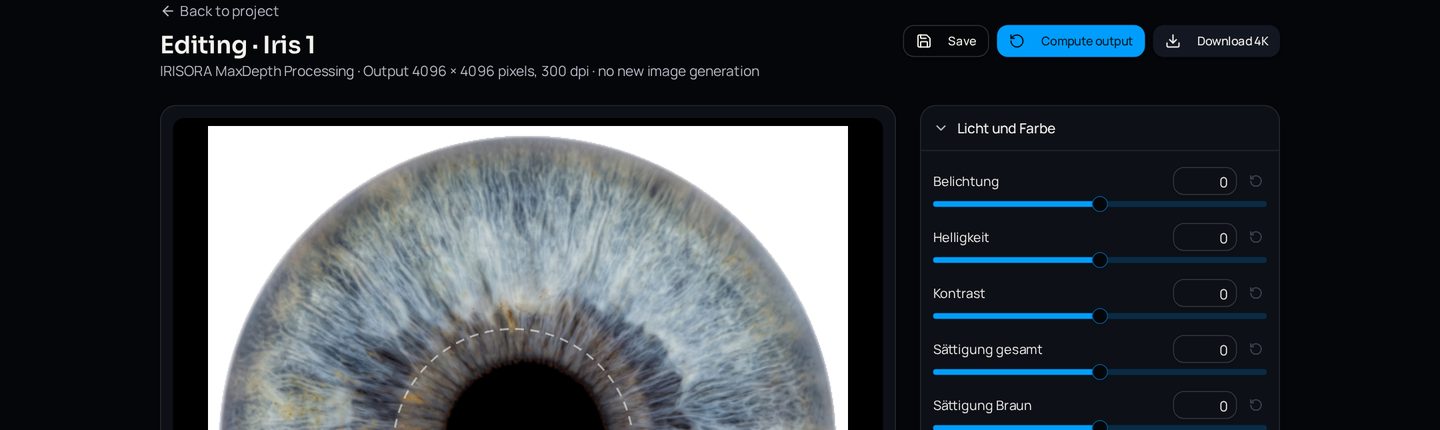
4K export at 300 dpi
Every finished iris is available at 4096 × 4096 pixels and 300 dpi – at no extra cost and with no further work outside the studio.
- 4096 × 4096 pixels
- 300 dpi, print-ready
- Download straight from the project
Quality review and credit logic
Every result is reviewed
Each result passes an automatic check before release. Conspicuous runs are flagged so you can judge them yourself.
Credit only for a successful result
A credit is reserved first and only consumed once a finished result exists. If processing fails technically, the reservation is released again.
Free retry
Technically failed runs can be repeated without consuming another credit, in line with the existing studio rules.
Test the workflow with your own captures
Request studio access and work with your own studio photographs.