Iris photography workflow: from capture to delivery
The time sink in iris photography is not the shoot, it is the post-processing. This is how a session runs from setup to finished file.
- A clear path per session
- Processing starts on click
- Review before download
- Fair queue per studio
Step 1 – Capture
Iris sharp in the focal plane, light from the side rather than the front, no heavy pre-sharpening. Two captures per eye with a slightly shifted gaze give you a spare if lashes cover a region.
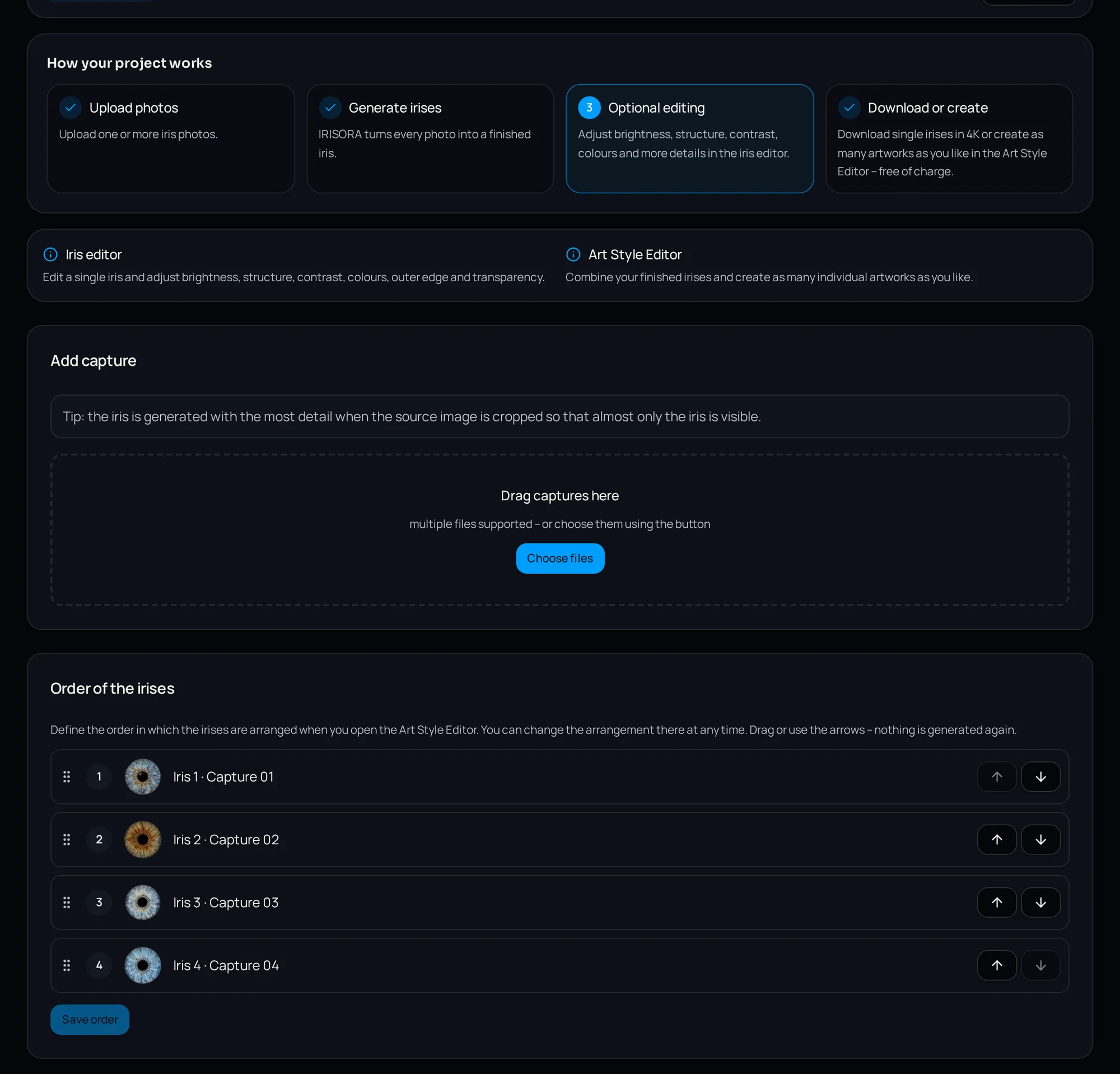
Step 2 – Upload and project
The captures from one session go into one project, so both eyes, a couple or a whole family stay together and can be designed as a set later.
Step 3 – Start processing
Processing does not start on upload; you start it with a click. That prevents accidental runs and lets you cull first.
Multiple jobs run through a fair queue, so every studio gets served even when many are working at once.
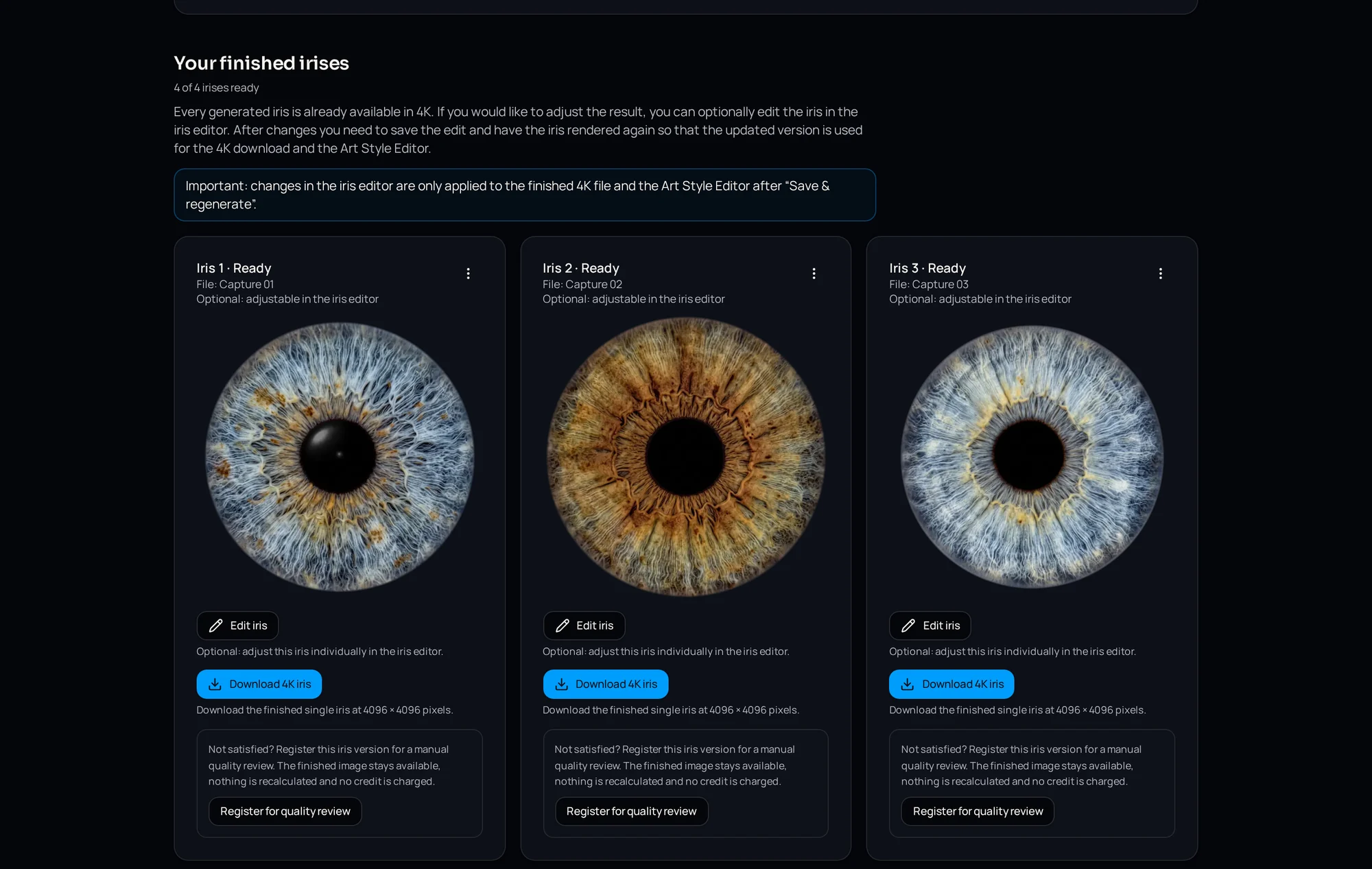
Step 4 – Review the result
Every finished version comes with a quality check and concrete findings, so you know whether the capture holds up before you talk to the client.
Step 5 – Fine-tuning
- Position and scale the iris in the frame
- Correct the pupil
- Set the crop
- Place an optional light reflection
- Save the settings as a preset for further irises
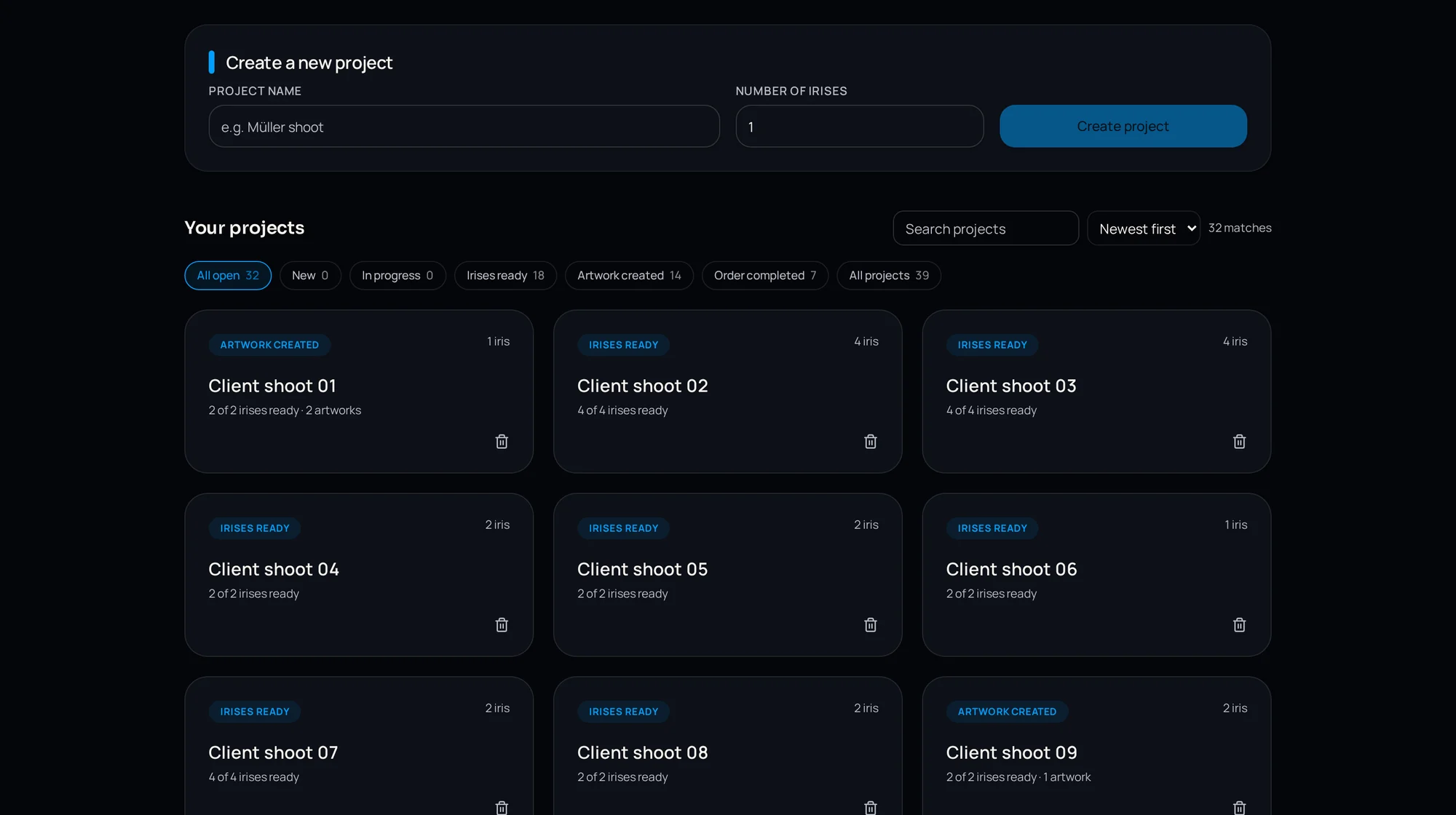
Step 6 – Output and downstream work
You end with a cut-out iris at 4096 × 4096 pixels and 300 dpi. From there, two routes: straight into your own workflow, or into the Art Style Editor for a designed artwork.
What the workflow saves in practice
Manual masking, structure work and colour matching add up quickly per session. Because those steps run on the server, your work shifts from mouse time to decisions: select, review, design.
Frequently asked questions
- How many irises can be processed at once?
- Jobs run through a fair queue with a default limit of concurrent calculations per studio, so every studio is served reliably.
- Does processing start automatically?
- No, a calculation always begins with a click.
Go deeper
Walk through the whole path once
Register for free and take one capture from upload to finished file with 5 free editing credits.
5 free iris edits included